Configure deposit amounts and show bank transfer instructions.

Quote Acceptance and Deposits
Keep acceptance, deposits and the balance together.
Send customers a branded quote PDF and review link, capture acceptance and track the deposit against the outstanding balance.
Inside Panexis
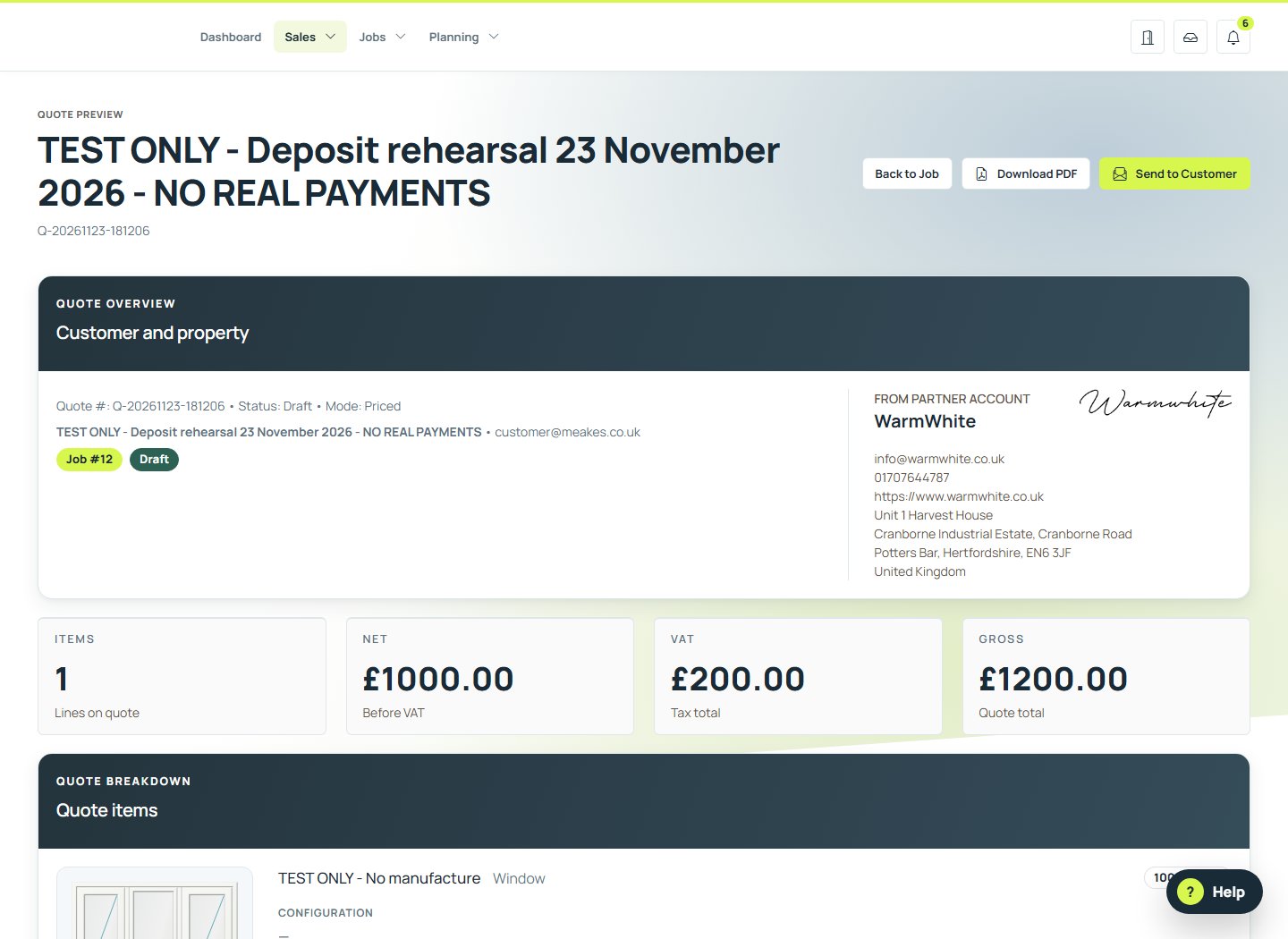
Quote preview before customer acceptance
How it helps
Simple tools for the work your team already does.
Use Stripe or Mollie checkout where the workspace provider is configured.
Keep bank transfer requests pending until payment is confirmed.
Show the amount paid and remaining balance, with checks against duplicate deposit requests.
Availability and setup
Online checkout requires provider setup and a test-mode rehearsal before live use. Provider fees and payment methods depend on that setup.
Workflow
See the path at a glance.
The aim is to make the next step obvious, keep the details attached to the job, and stop important work disappearing into inboxes, paper notes, or spreadsheets.
1
Issue
2
Accept
3
Request deposit
4
Confirm
5
Track balance
Who it helps
Built for real window and door teams.
Office and accounts teams
Next step