Build the quote
Use the visual quote designer for windows and doors, layouts, panes, hardware, colours, measurements, and notes.
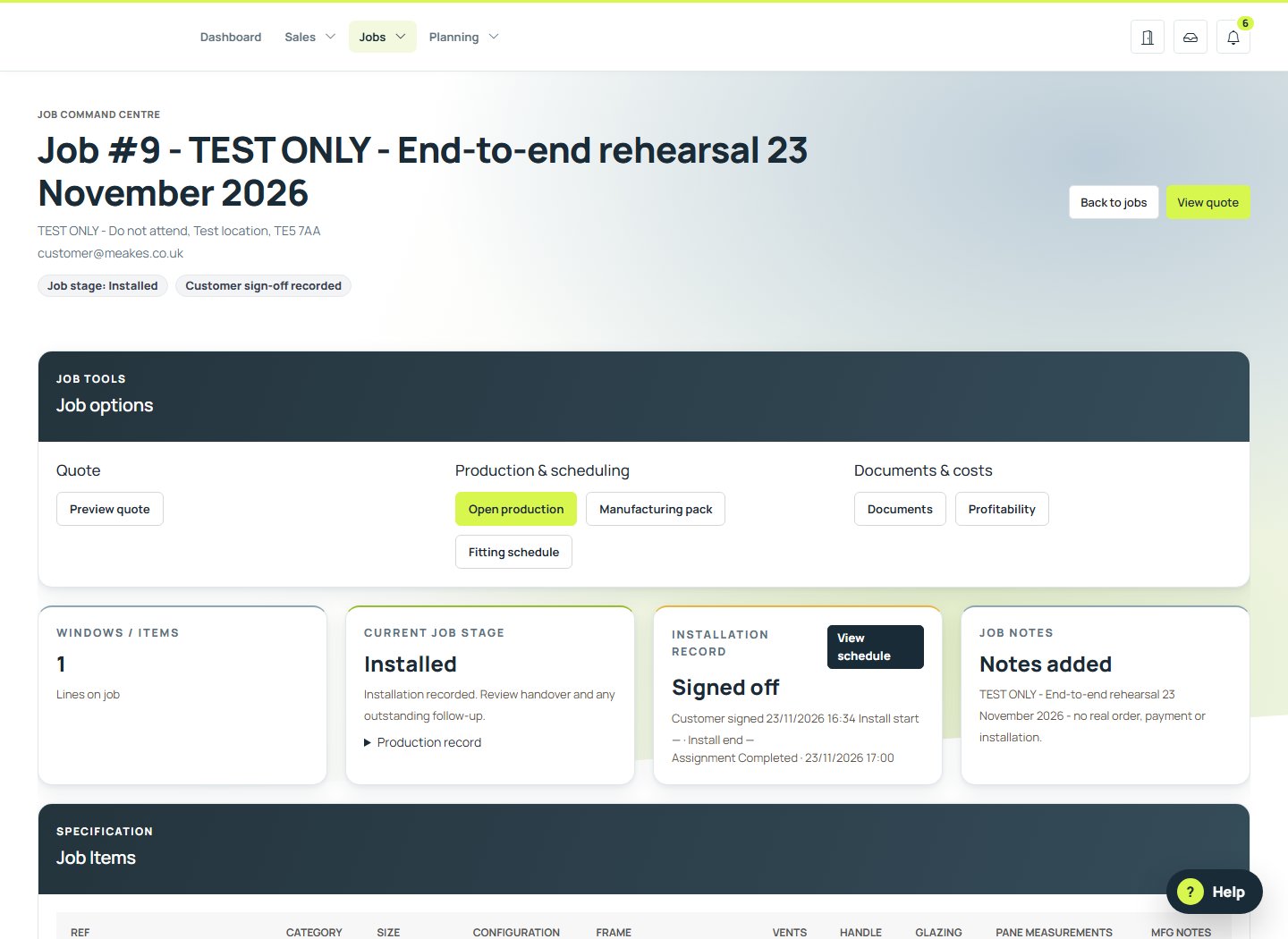
Keep quotes, surveys, production, fitting, and handover on one job record. Your team can see what is ready, what is missing, and what needs to happen next.
Use the visual quote designer for windows and doors, layouts, panes, hardware, colours, measurements, and notes.
Customers review and accept branded quotes online. Track the deposit and balance using configured online payments or bank transfer confirmation.
Photograph a hand-drawn sketch, create an editable frame and pane draft, then let the surveyor verify dimensions, openers, glass, hardware, notes, and photos.
Schedule work, prepare verified production documents, notify assigned fitters, collect site photos and sign-off, then publish and email the customer handover pack.
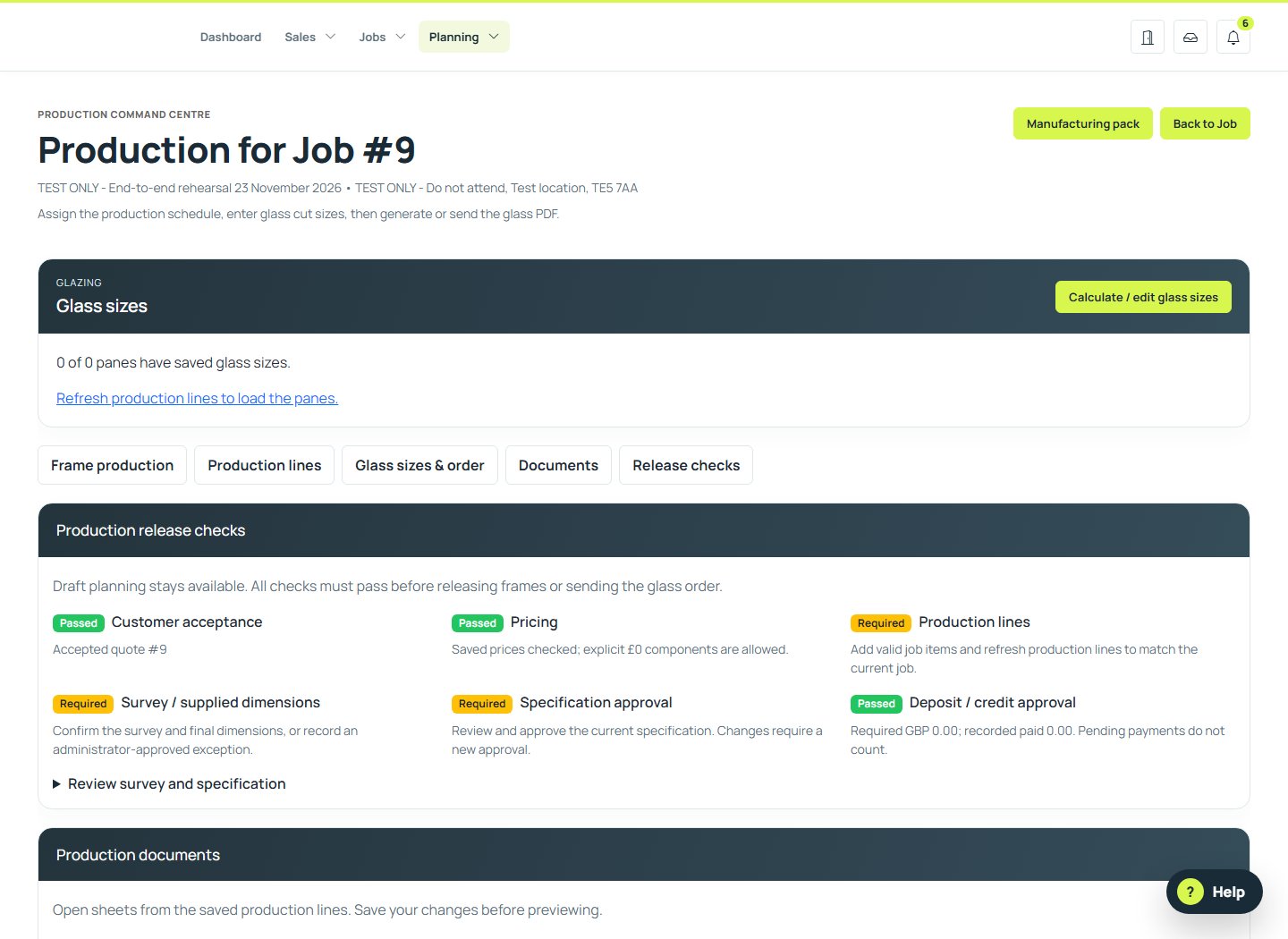
Board rules, diary entries, supplier orders, production documents, and customer handover all use the same job record, reducing handover gaps and manual typing.
Handle WhatsApp enquiries in Panexis, answer from published business knowledge and guide customers towards a confirmed appointment.
Read customer messages and assistant replies together. Check delivery status, review conversations needing attention and reply as your team. Manual replies pause AI; resume it when you are ready.
Connect an assistant with published services, contact details and policies. Set answer guidance, review knowledge gaps and keep a human contact route for questions needing judgement.
Configure staff, working hours, appointment duration and travel allowance. Respect blocked time, collect visit details and ask for confirmation. Panexis rechecks availability before saving the booking.
WhatsApp requires a connected Linxis workspace, an eligible Meta number and assistant setup. Booking also needs Panexis diary configuration. Travel uses a fixed allowance, not live driving routes. Requests needing help can create an assigned diary callback and pause AI; staff monitor the diary and inbox. Callback tasks do not automatically send staff email or SMS.
This supports customer enquiries and replies, with opt-out and reply-window controls. Outbound campaigns, template sending and media understanding are not currently included. Confirm setup, usage allowances and any Meta charges when discussing your workspace.
Discuss your WhatsApp and booking setup